EnyFlow
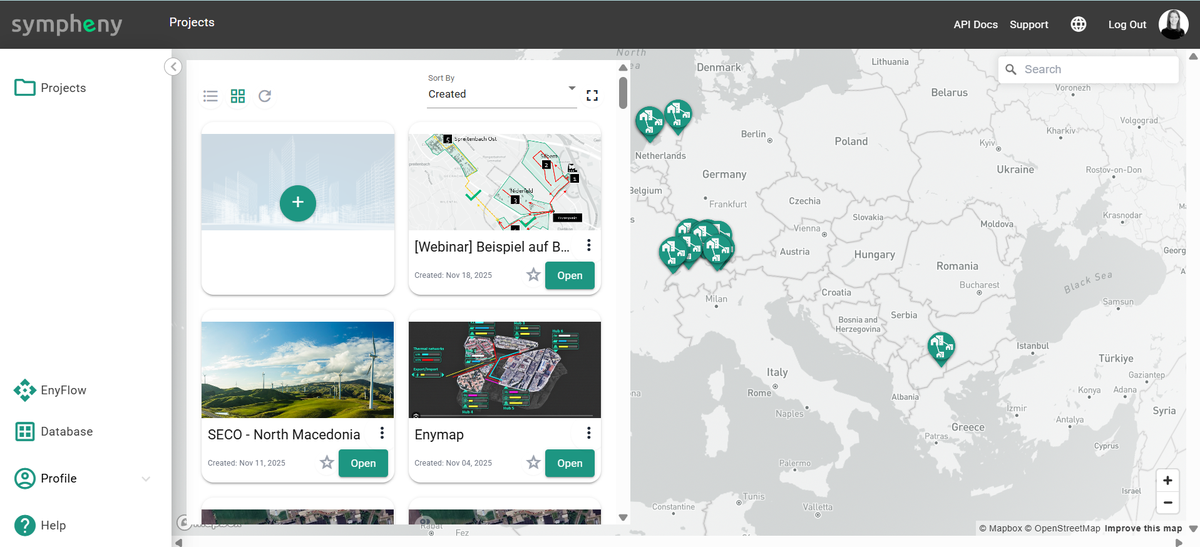
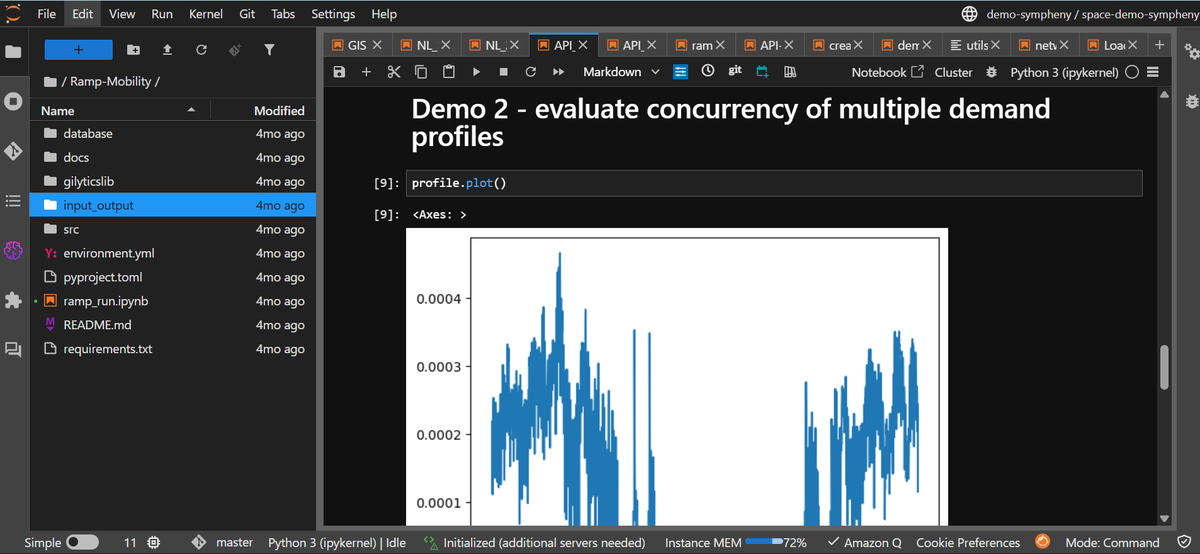
Sympheny EnyFlow is a Jupyter Notebook environment that combines energy planning, advanced problem-solving, and visualisation while directly leveraging the Sympheny web app and its API. You work in notebooks, either in Google Colab or in the Sympheny EnyFlow Jupyter framework, and call Sympheny to load projects, run optimisations, and retrieve results.
EnyFlow lets you:
- Connect to Sympheny via the API.
- Build custom workflows and analyses in notebooks.
- Automate and document advanced planning and optimisation tasks.
- Visualise and share results interactively.
Key features and advantages
Advanced problem solving. Combine Sympheny's optimisation with your own models to analyse multi-energy systems, optimise resource allocation and operation, evaluate renewable-integration strategies, and design and assess sustainable energy scenarios.
Data visualisation. Create interactive charts, tables, maps, and dashboards to explore energy data, interpret optimisation results, and communicate findings to stakeholders.
Customised workflow integration. Bring your own algorithms, models, simulation tools, data-processing pipelines, and optimisation routines into the same notebook, alongside calls to the Sympheny API, adapting EnyFlow to your use cases while keeping your existing intellectual property.
Comprehensive energy planning support. Support a broad range of tasks, such as load and demand forecasting, demand-response and flexibility analysis, renewable-integration studies, infrastructure and network planning, and scenario comparison and sensitivity analysis.
Collaboration and reproducibility. Because EnyFlow is notebook-based, each analysis is documented as code, text, and results together. Share notebooks with your team via Git, shared drives, or Colab links, and reproduce results reliably by rerunning a notebook with the same inputs.
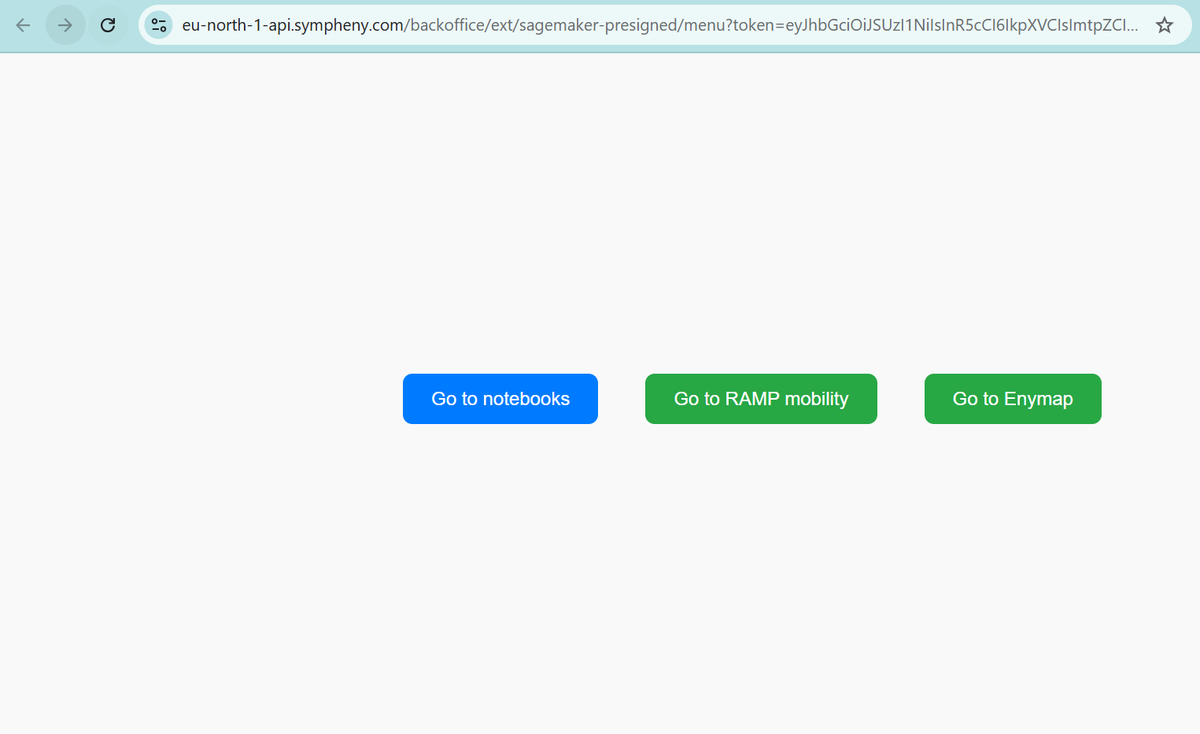
Efficiency and scalability. Run EnyFlow locally or in the cloud (for example via the Sympheny interface in SageMaker, via Colab, or another Jupyter service) to scale up to larger problems and use more powerful hardware.
Using the Sympheny API with EnyFlow
Whether you work in Google Colab or in the Sympheny EnyFlow Jupyter framework, the general pattern is the same:
- Get your Sympheny API credentials. See Authentication for the token flow.
- Configure your notebook (Colab or Jupyter).
- Call the Sympheny API to load projects, run optimisations, and retrieve results.
- Analyse and visualise the results using EnyFlow tools.
For the full list of endpoints, request and response shapes, and examples, see the REST API reference. If you prefer typed Python over raw HTTP calls, the Python SDK wraps the same API and works well inside a notebook.