Analyses
This guide shows you how to create and manage analyses, which can be used to organise scenarios by design iteration or project stage.
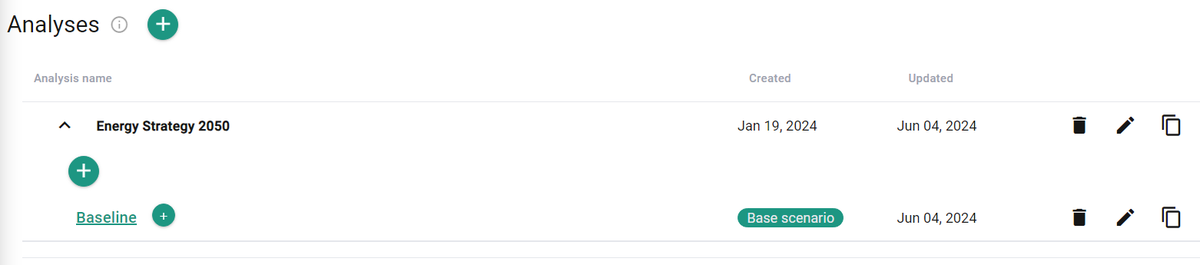
Create a new analysis
- Click Add analysis.
- Assign a name.
- Click Add.
You can rename, copy, or delete an existing analysis at any time.
Add scenarios to the analysis
- To create a scenario, click Add scenario and assign a name.
- You can rename, copy, or delete existing scenarios within an analysis.
- You cannot move or copy a scenario from one analysis to another.