Managing analyses
The Analyses page is where you manage your analyses and their associated scenarios within a project.
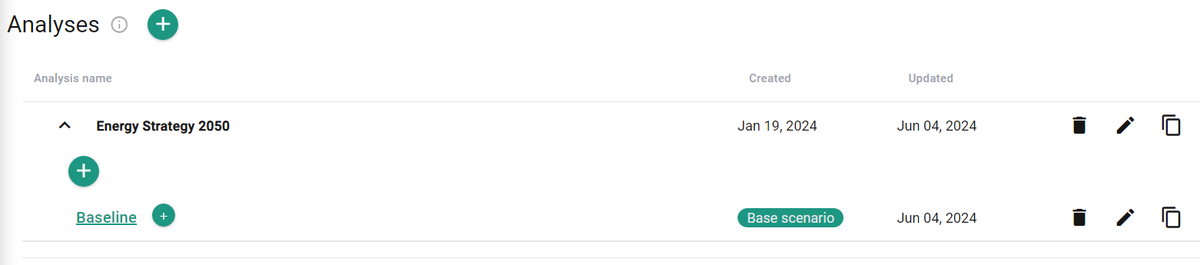
Create a new analysis
- Click the Add analysis
 button.
 - Assign a name.
- Click Add.
Manage an existing analysis
- You can rename, copy, or delete existing analyses as needed.
- As with analyses, you create a new scenario by clicking the Add scenario
 button and assigning a name.
 - You can rename, copy, or delete existing scenarios within an analysis.