March 2022
GIS definition of your urban site
Watch: GIS definition of your urban site
SEP GIS data (add-on)
How to show the data of selected buildings?
Watch: showing data of selected buildings
How many buildings can I query?
Each add-on subscription gives access to a specific number of building queries. The current add-on subscription packages are the following:
- SEP Add-on Small: access to information for 1 to 1,000 buildings
- SEP Add-on Medium: access to information for 1,000 to 50,000 buildings
- SEP Add-on Large: access to information for 1,000 to 50,000 buildings
The amount of remaining building queries according to the selected subscription can be read from the My Profile window.
What type of data is available?
With the SEP add-on for Sympheny, you can get the data you need directly from the embedded GIS map on the web application. SEP provides data from its catalogue directly in Sympheny, including:
- Building area and building category
- Yearly heating and hot water demand of the building
- Roof geometries of the building
- Facade geometries of the building
- If available: Minergie data, including standard and Minergie energy reference area
On-site resource candidates
Sympheny's step 4 Solar Resources is now On-site Resources. This means you can integrate hourly energy profiles for any type of On-site Resource candidate — be it Wind, Tidal, Process waste heat, or any other user-defined energy carrier.
Add on-site resources directly from the GIS map
Now you can select the available resource area of your urban site and automatically assign the on-site resource potential profile in kW/m2.
New plots in results dashboard
- Plot of total cost/income balance with cost breakdown of technologies
- The same plot across the hubs of the system
- Plot of imports vs. exports & demand of the system
- Plot of on-site resources results
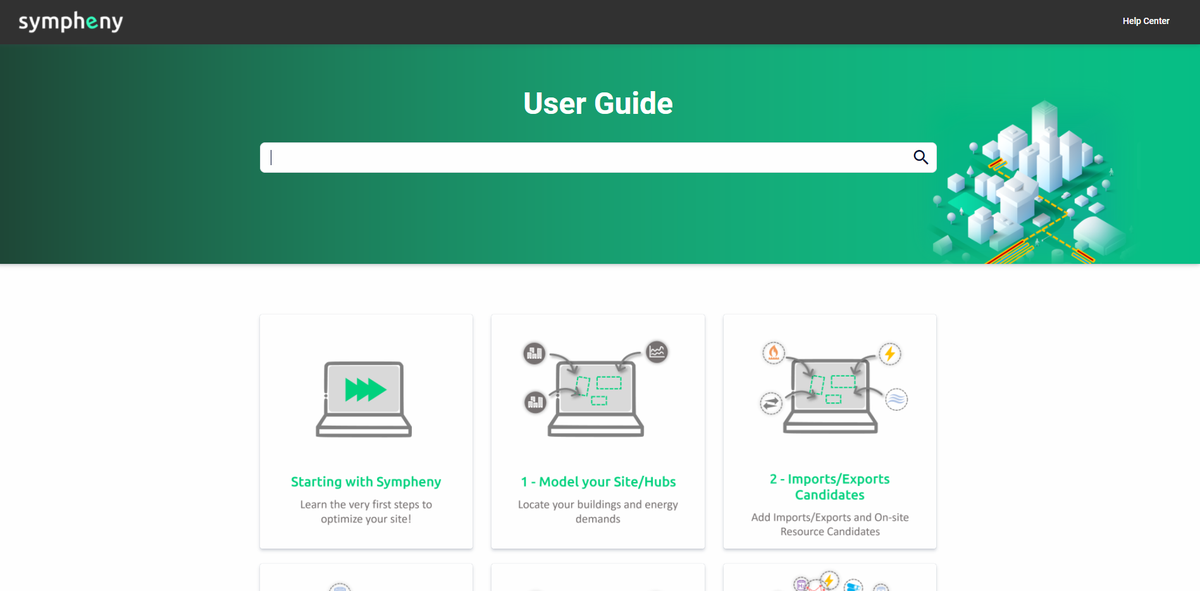
New Help Center (user guide, tutorials, etc.)
With this new portal it's now easier to navigate through all the documentation and resources available about Sympheny software.