November 2025
Sympheny: energy-model faster. See more. Share better.
Sympheny deployed a set of upgrades that make it easier to prepare data, run focused optimizations, and communicate results — at building, site, and district scales.
What's new at a glance
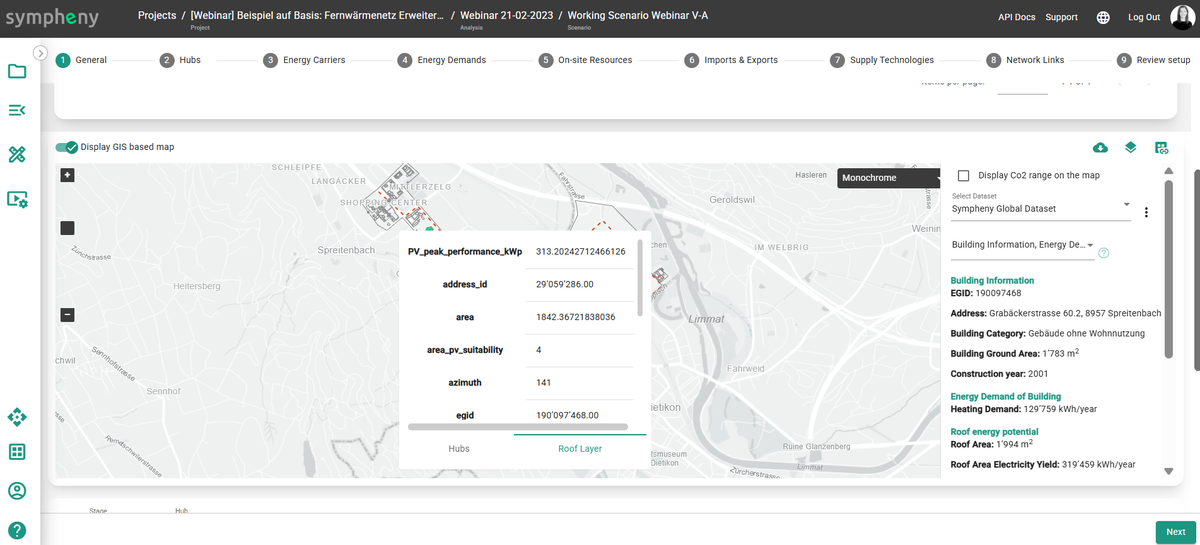
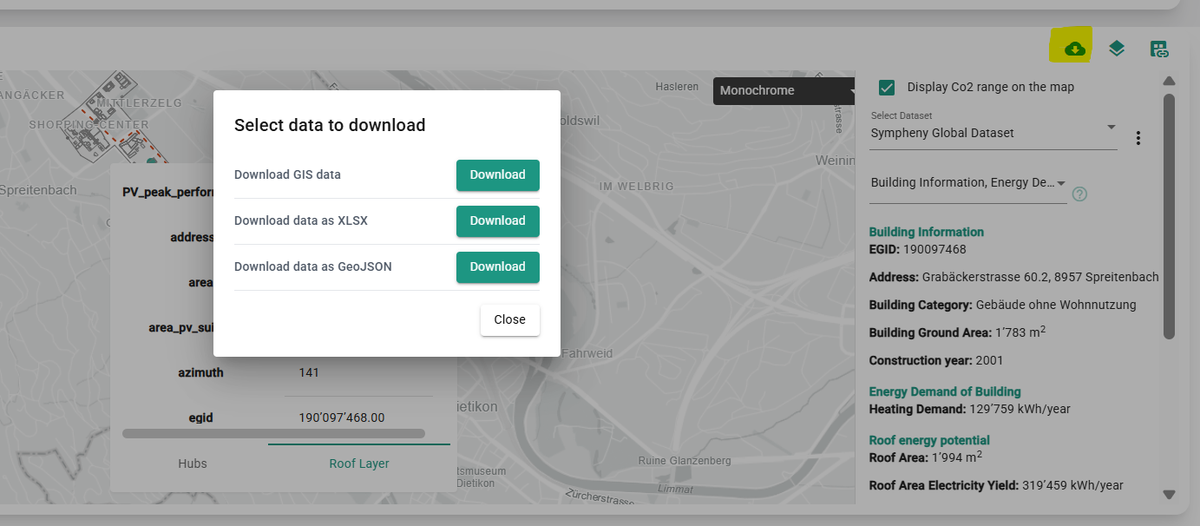
- Download GIS data (now with building-level detail). Export the spatial layers you create in Sympheny — complete with per-building attributes — for downstream GIS, CAD, or reporting workflows.
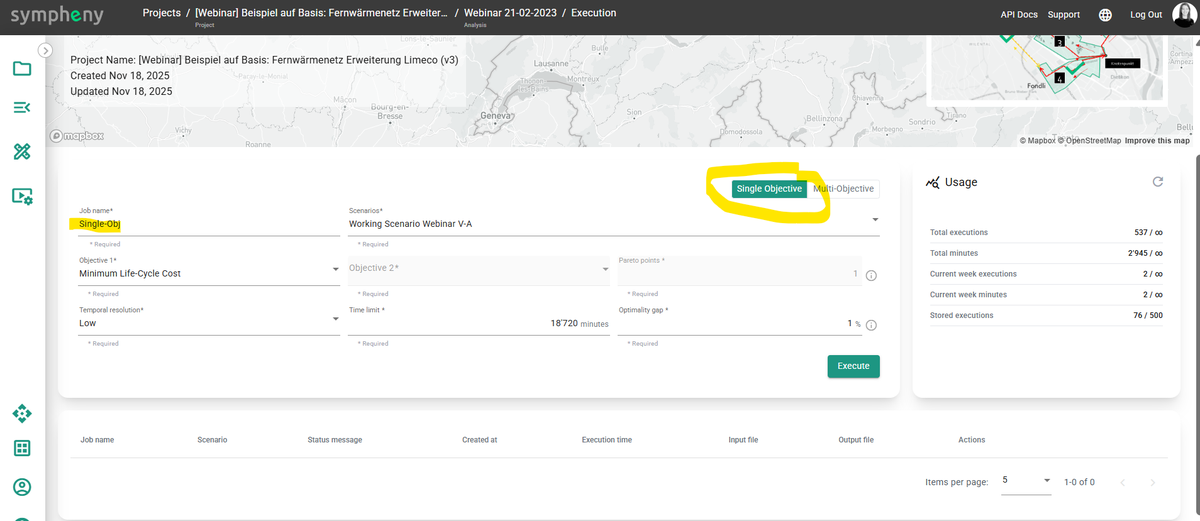
- Single-objective runs. Run scenarios against one chosen objective (e.g., cost or CO₂) when you want a fast, focused answer.
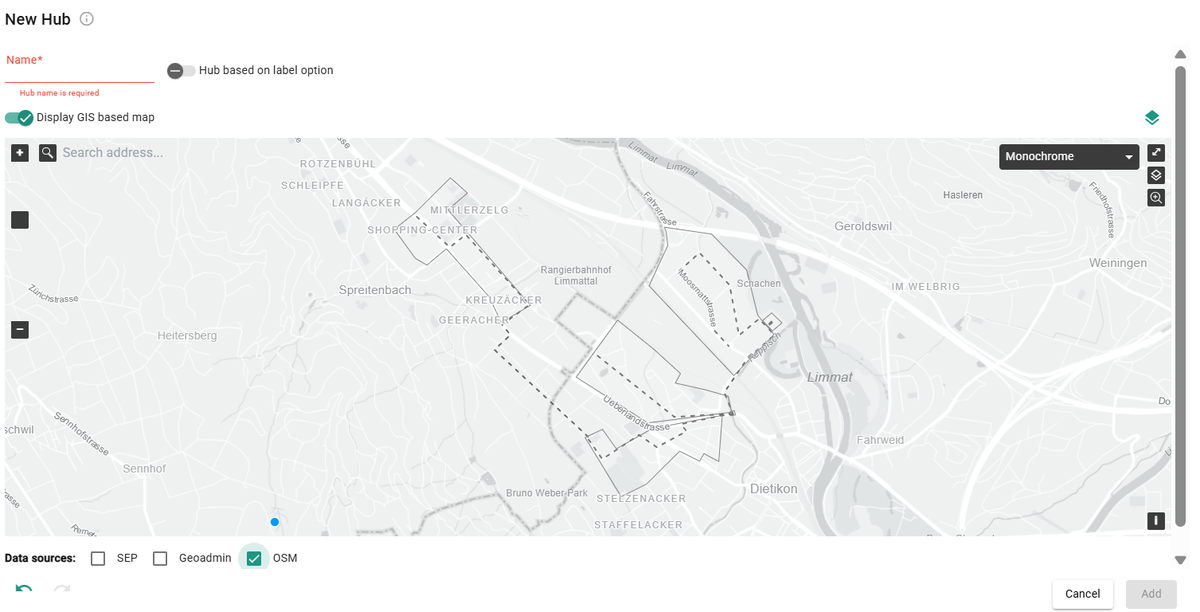
- Global OpenStreetMap queries. Pull international OSM layers directly in Sympheny to accelerate site setup anywhere in the world.
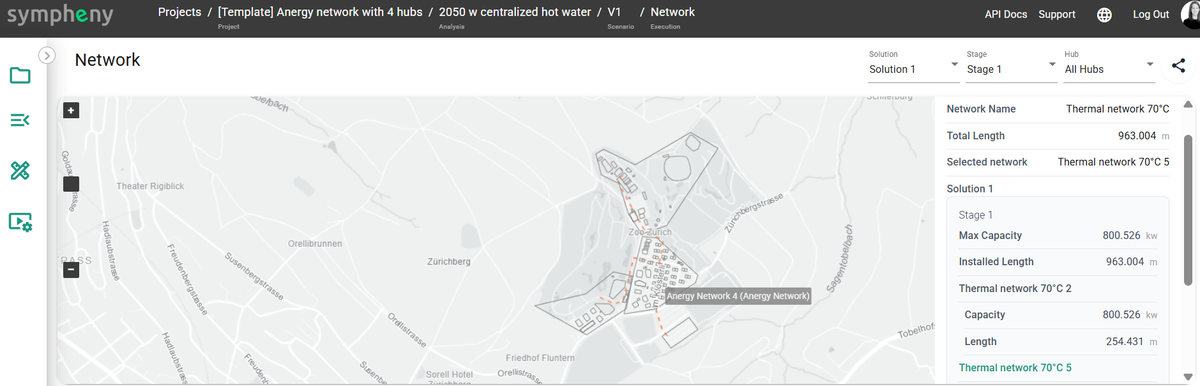
- Network visualization + KPIs (Dashboard v3). See optimized networks on the map and track headline KPIs (e.g., cost, CO₂, capacities) at a glance.
-
EnyMap (light mode). Create scenarios from a simple Excel input file — perfect for rapid "what-if" variants without full model authoring.
-
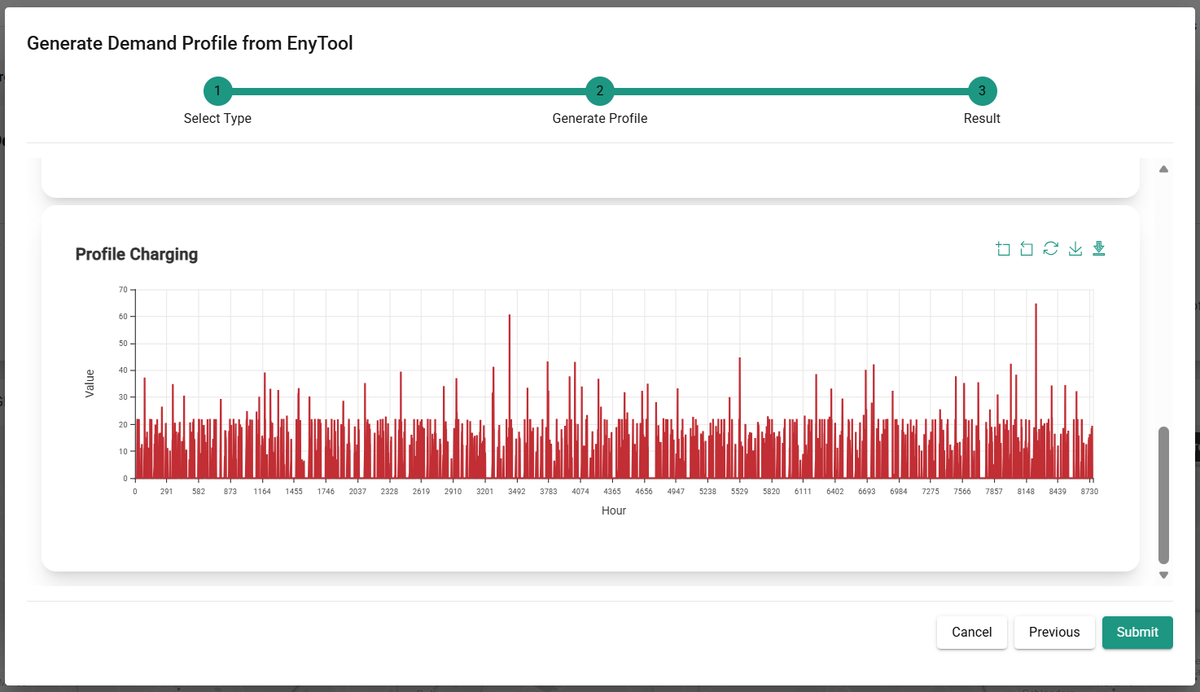
EnyTool. A companion toolkit for power users to automate data prep and batch scenario runs. See EnyTool.
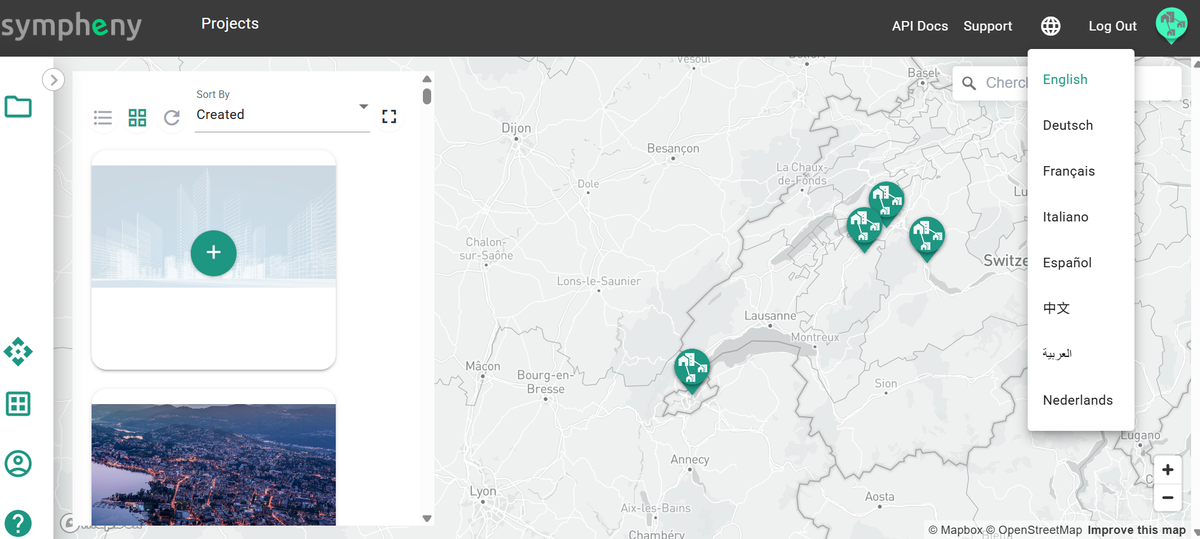
- Multi-language UI. Use Sympheny in multiple languages (initially including English, German, French, and Italian), with easy switching per user.
Benefits
- Less prep time: bring in global context fast and export clean GIS for stakeholders.
- Faster answers: single-objective runs speed up iteration.
- Clear storytelling: network views and KPIs turn results into decisions.
- Scale your workflow: EnyMap and EnyTool enable variant generation and automation.
- Work your way: collaborate across teams and regions with a multi-language interface.